Grok Imagine Video 2.0 Generator — Bring Cinema to Life

Create cinematic With Grok Imagine video 2.0 and all grok image video models online from text or images. Describe your scene or upload a photo, then generate and download on Gvid.

Start from a scene or imageDirect the action and cameraExplore cinematic and everyday stories
0 / 4096

Preview video - Generate your own video above

From Distant Worlds to Everyday Stories

Explore existing Grok Imagine video examples across cinematic scenes, travel, everyday moments and live performance.

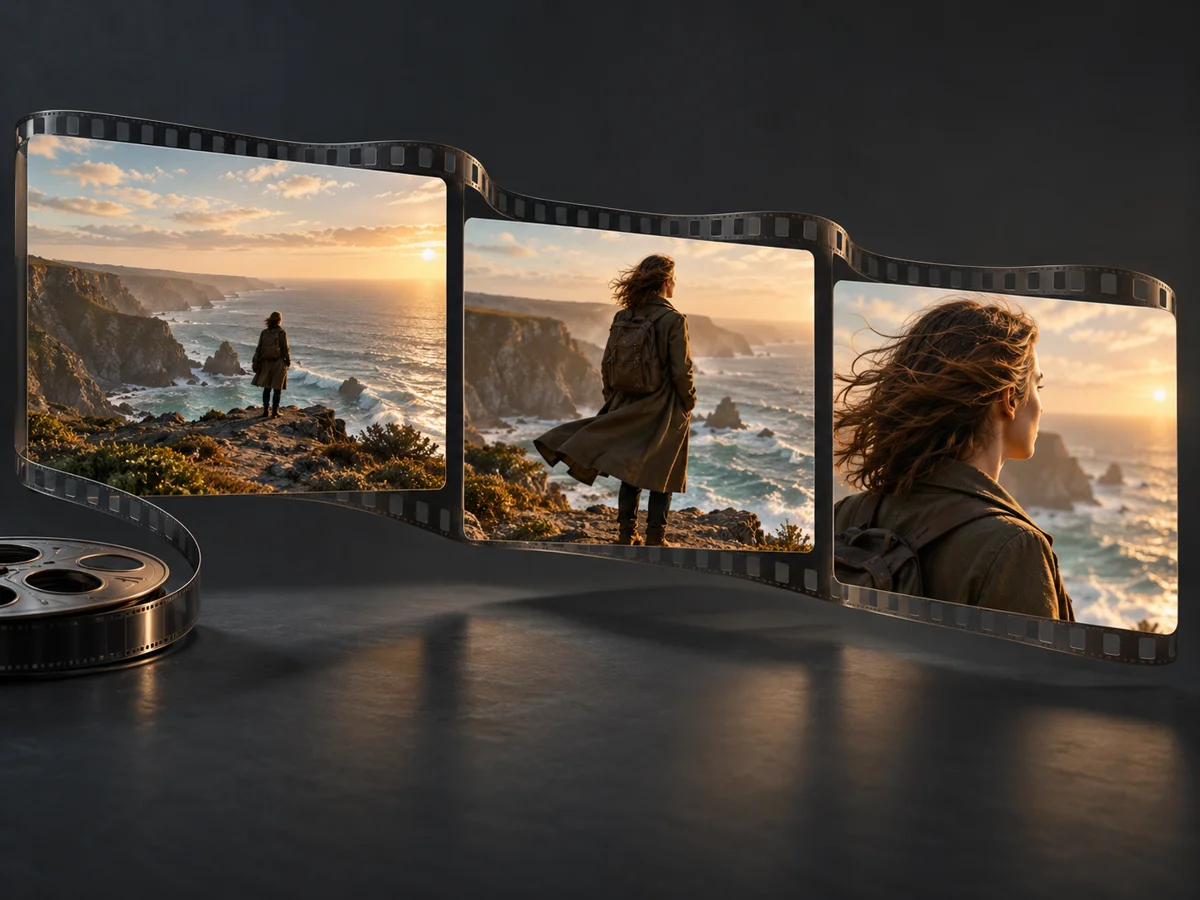
Concept illustration of a coastal scene progressing through cinematic storyboard frames

What Is Grok Imagine Video 2.0?

Grok Imagine Video 2.0 is the name circulating for a possible next-generation Grok Imagine video model from xAI. As of October 4, 2026, no official Video 2.0 release or release date has been confirmed. Grok Imagine turns text or still images into moving scenes; the released Image 2.0 model is a separate image upgrade.

  • Image 2.0: released for still images
    The official Image 2.0 announcement covers image generation and editing. Its release does not establish a Video 2.0 launch.
  • Video 1.5: a published video model
    The official Imagine overview currently lists Video 1.5. Here, the generator identifies its actual model; Grok Imagine supports text and image inputs, while the integrated 1.5 option uses a starting image.
  • Video 2.0: specifications still to come
    The final model name, launch date, resolution, duration, price and access options remain unconfirmed. The examples above illustrate existing Grok Imagine work, rather than Video 2.0 output.

The Creative Ambition Behind Grok Imagine Video 2.0

Community discussion points to a bigger leap in video creation. These creative goals build on existing Grok Imagine workflows; they are not announced Video 2.0 specifications.

A Scene That Follows Your Direction

Start with a subject, a place and a clear action. Describe a camera move to shape a short cinematic moment for a storyboard, concept film or visual pitch.

  • Give the scene one central action
  • Separate camera movement from subject movement
  • Build a shot around a clear beginning and ending
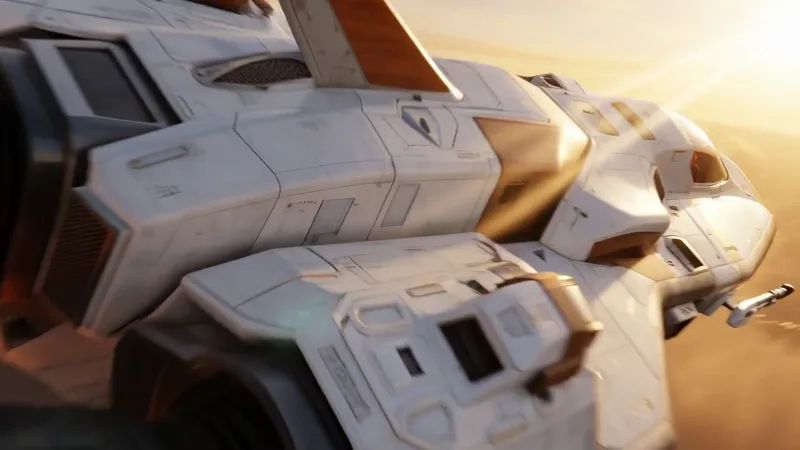
Frame from an existing Grok Imagine spacecraft video with cinematic lighting

An Image With Somewhere to Go

Use a still image as the visual starting point, then describe what moves: a garment in the breeze, a subject turning or a camera approaching. This workflow turns an approved visual into a motion concept.

  • Start with the composition you want to preserve
  • Describe a restrained, readable motion
  • Explore fashion, product and lifestyle treatments
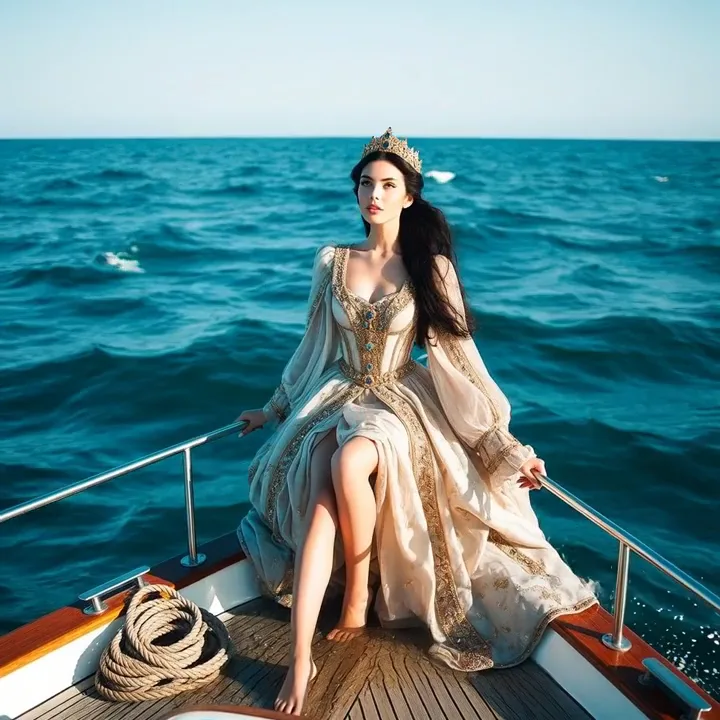
Frame from an existing Grok Imagine fashion video aboard a yacht

Characters That Carry the Moment

Describe a performer, an expression or a small gesture to explore a character-led clip. For future video upgrades, more coherent movement and expressive performances are useful goals to evaluate.

  • Keep the character and setting specific
  • Give the performance a simple emotional beat
  • Explore portraits, performance and social storytelling
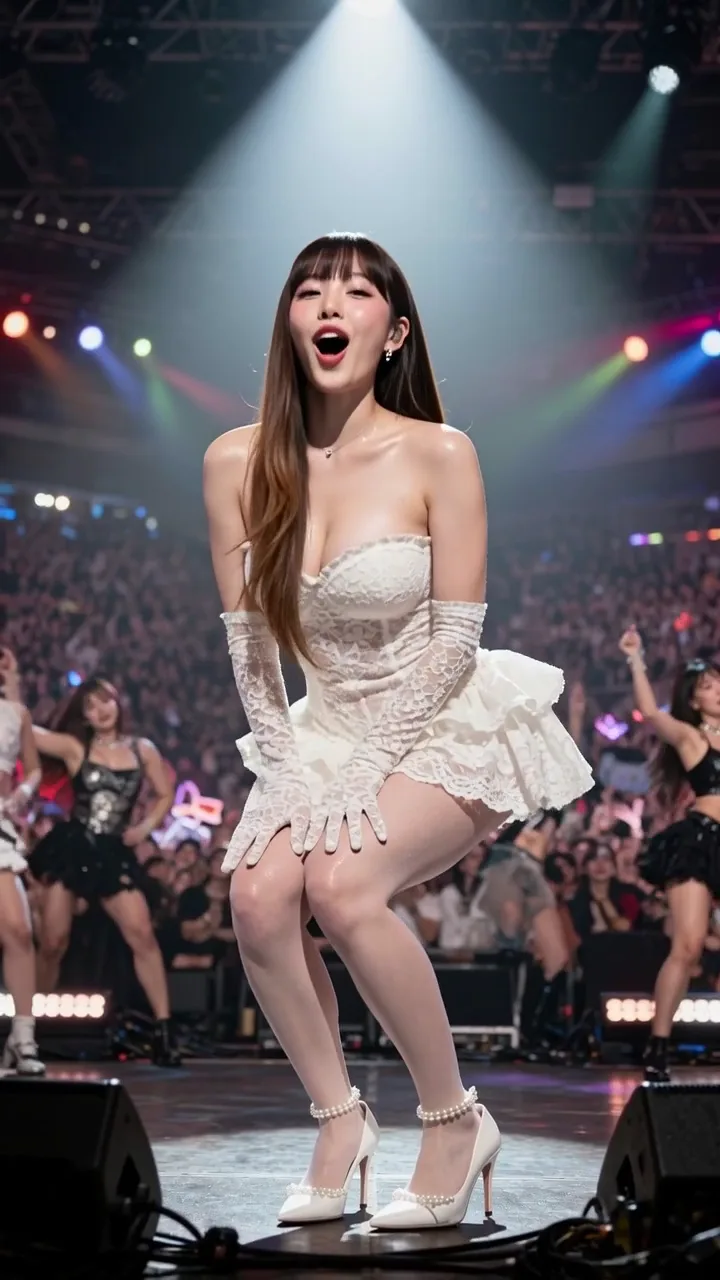
Frame from an existing Grok Imagine arena performance video

Prepare Your First Grok Imagine Video 2.0 Idea

Use this creative workflow with the model shown in the generator today, and carry the same brief into a future video release.

01

Choose Your Starting Point

Select an available model. Begin with a text description, or upload a starting image when the selected mode supports it.

02

Direct One Clear Moment

Describe the subject, action, setting and camera movement. Choose a supported format, length and resolution in the form.

03

Review, Refine and Download

Check the displayed credit cost, generate your clip and review the motion. Adjust your direction or download a result you want to use.

Bring Your Grok Imagine Video 2.0 Ideas Into Focus

Build a creative brief around the video you actually need, from a single social moment to a scene in a larger story.

Cinematic Worldbuilding

Describe a distant city, a spacecraft arrival or an imagined landscape to visualize a story setting before a full production.

Fashion and Lifestyle

Start with an editorial image and plan subtle fabric movement, a camera approach or a natural change of pose.

Travel and Social Stories

Turn a destination or everyday moment into a short visual story, choosing a vertical layout when your model supports it.

Product Reveals

Use an existing product image as your starting point and describe the lighting, angle and movement for a launch concept.

Character and Performance

Explore a character introduction, a stage moment or a simple reaction with focused direction for expression and movement.

Storyboards in Motion

Test one shot at a time to explore pacing, atmosphere and camera intent before assembling a longer edit.

Grok Imagine Video 2.0: Release, Access and Creation

Clear answers about the next video model and what you can create today.

1

Has Grok Imagine Video 2.0 been released?

No official Video 2.0 release has been confirmed as of October 4, 2026. The official Imagine overview lists Video 1.5, while the announced 2.0 upgrade is Image 2.0. Community previews and mentions do not establish a public video release.

2

What is the Grok Imagine Video 2.0 release date?

An official release date has not been announced. Claims that the model is coming soon are third-party expectations, not a confirmed launch schedule.

3

Is Grok Imagine 2.0 an image model or a video model?

The confirmed 2.0 release is Grok Imagine Image 2.0, for creating and editing still images. Grok Imagine has a separate video model family. An Image 2.0 picture can be used as a starting image for a video without making that video a Video 2.0 result.

4

Can I use Grok Imagine Video 2.0 on Gvid?

Video 2.0 is not available on Gvid. The generator above offers currently integrated models and displays the selected model by name. Its default Grok Imagine option supports text-to-video and image-to-video; Grok Imagine 1.5 is also available here for image-to-video.

5

Will Video 2.0 support 4K video or longer clips?

Video 2.0 resolution and duration limits have not been confirmed. Claims such as 4K output or 30-second clips should not be treated as specifications. For current generations, use the options shown for your selected model.

6

What improvements are people hoping for?

Community discussion anticipates a major video upgrade. More coherent motion, stronger scene direction and expressive characters are useful creative goals, but no official Video 2.0 feature list establishes which improvements will ship.

7

Were these examples generated with Video 2.0?

No. These are existing Grok Imagine examples selected as creative inspiration. Their source records do not identify an exact model version, so they are not presented as Video 2.0 demonstrations or benchmarks.

8

How much will Grok Imagine Video 2.0 cost?

Video 2.0 pricing and free access have not been announced. On Gvid, the selected model and settings determine the credit cost shown before submission.

9

Is Gvid the official Grok Imagine website?

No. Gvid is an independent creation platform. Official model announcements come from xAI, and the official Grok Imagine product is available at grok.com/imagine.

Give Your Grok Imagine Video 2.0 Ideas a Starting Frame

Put your creative direction into practice with an available video model. Start with a scene or image, shape the movement and make your next clip.